

View, Create, Edit and Save Microsoft Office Files Without a Subscription

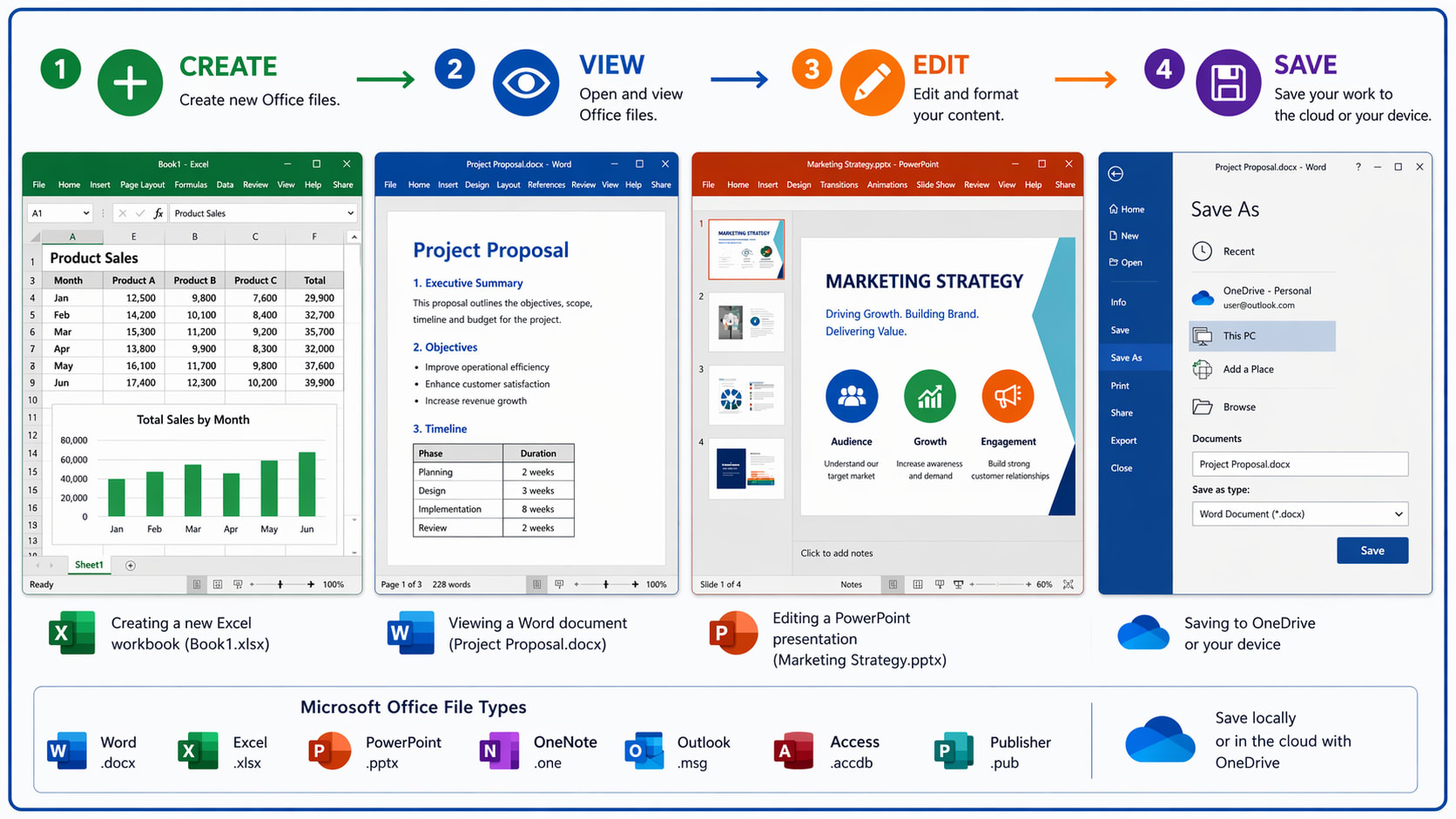
Like it or not, Microsoft Word, Excel and PowerPoint are the standard office suite applications. When you share files, it’s best to use Microsoft formats so recipients can open them easily.
But a basic Microsoft 365 subscription is expensive ($100 for an annual subscription - 90% more than a Learning Pages annual subscription). It includes:
Microsoft 365 apps for up to 5 computers
1 TB of storage
Microsoft Copilot
Microsoft Defender
However, there are ways to view, create, edit and save Microsoft 365 files without a subscription.
When deciding on your preferred option, you will need to take the following criteria into account:
Price (including free)
Are desktop apps available, and how many devices can access your files?
Can you view, create, edit and save your files?
How much storage do you get?
The rest of this article describes the research I have done into these topics.